MENU

You shipped an agent on Nevermined. It started earning. Then the questions piled up: a teammate needs to publish under the same brand, finance wants to know who's actually paying you, and a customer asks for an invoice. None of that is "build an agent" work. It's "run a business" work — and until now you'd have bolted on a billing stack, a CRM, and a spreadsheet to do it.
Organizations replaces all of that. It turns your personal Nevermined account into a shared, multi-tenant workspace: a team, tiered billing, a customer list, revenue analytics, event streams, and embeddable checkout — without leaving Nevermined.
It's live in production today. Here's a two-minute tour:
Every Nevermined account starts as a Personal account. When you're ready for a team, you upgrade that workspace to an organization — Premium or Enterprise — from the Billing page. Use the workspace switcher to move between your Personal account and any organization you belong to.
The difference is ownership. In an organization, the agents, plans, and API keys belong to the workspace, not to whoever happened to create them. People come and go; the business stays intact.
Invite teammates by email as Admins (full control over members, billing, and branding) or Members (build agents and plans in the shared workspace). Everyone publishes into the same organization, so your agents ship under one brand and one set of plans — no more sharing a login.
Premium includes up to 5 team members; Enterprise is unlimited.
This is the one most solo builders are missing. The Customers tab is a CRM that fills itself: every time someone buys one of your plans, they're added automatically, with lifetime spend, first-seen and last-active dates, and full purchase history. Search it, drill into any customer, or export the whole list to CSV.
Customer management is an Enterprise feature.
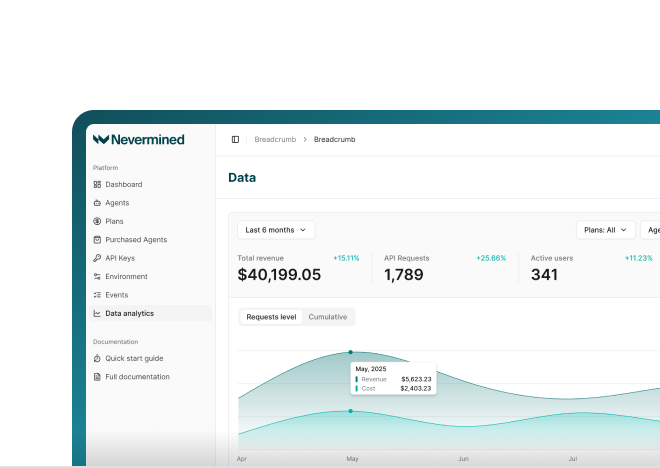
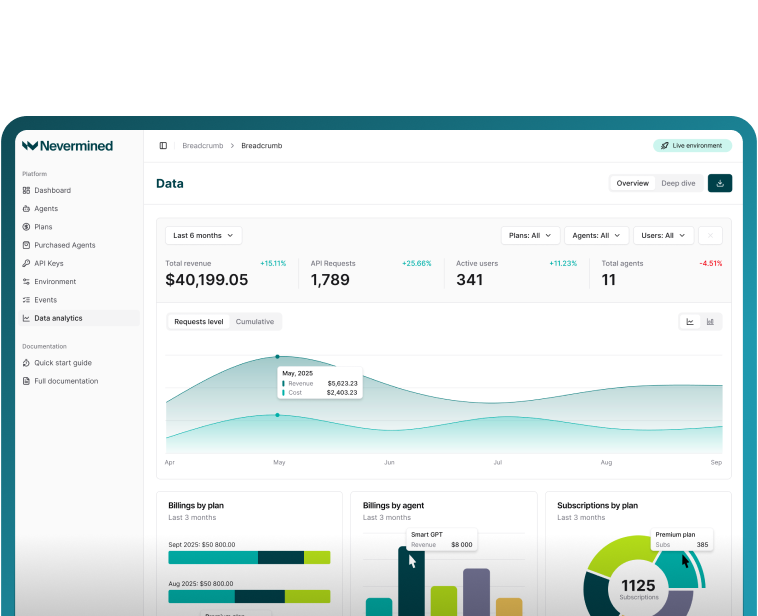
The Analytics tab turns raw activity into the numbers a business actually runs on: total revenue and a per-agent breakdown, monthly recurring revenue, credit usage per plan, your top customers by spend, and checkout conversion. Pick a date range and every metric recalculates. There's nothing to instrument — it's computed from your real Nevermined transactions.
Organizations emit a structured stream of events — a member joins, a plan is purchased, a new customer arrives, a subscription is upgraded. You can consume that stream three ways:
The same feed is available from the TypeScript and Python SDKs, so you can build your own dashboards and automations on top.
You don't have to send customers to nevermined.app to pay. With embeddable widgets, you drop Nevermined's checkout, card-enrollment, and spending-delegation flows directly into your own product as signed iframes. Your users stay on your domain; Nevermined handles auth, payments, and settlement behind the glass.
Personal — up to 20 agents and 10 plans. Your solo account, no subscription.
Premium — up to 100 agents, 50 plans, and 5 team members, plus member invitations, analytics dashboards, the activity feed, embeddable widgets, and AI-discoverable integration files.
Enterprise — unlimited agents, plans, and team members, plus everything in Premium and the two Enterprise-only features: the customer CRM and the realtime activity stream.
Premium and Enterprise are monthly subscriptions, and each environment — sandbox and live — is billed separately, so you can trial a tier on sandbox before paying for it on live. Current pricing is shown on the upgrade screen in the app.
Open nevermined.app, use the workspace switcher to create an organization, pick a tier, and invite your team. If you'd rather drive it from code, the SDK lets you list your workspaces and publish agents and plans into a specific one.
Full walkthrough — team setup, billing, customers, analytics, events, and widgets — is in the Organizations docs.
Build agents, not billing systems. Now you don't have to build the back office either.
See Nevermined
in Action
Real-time payments, flexible pricing, and outcome-based monetization—all in one platform.